Electrical takeoff and estimate: the full walkthrough
- Length
- 6:45
- Language
- English
- Published
- October 9, 2026

A complete electrical takeoff and estimate in Bildrix on a real public bid set: the UNC Charlotte student government offices renovation in North Carolina.
The plan set goes in and the title block, sheet names and scales are read. The symbol legend and fixture schedule are read next, then 531 devices are detected on two sheets, each one checkable on the plan. Text search turns a search into a count, the demolition plan stays out of new work, and wire and conduit runs give EMT footage. Assemblies add labor hours, the estimate prices material and labor, and the client view, e-signature, change orders, crew schedule, invoices with retainage and the QuickBooks, PDF and Excel exports follow from the same numbers.
Chapters




TranscriptRead the transcript
Every light fixture, every receptacle, every switch and every fire alarm device on a set of plans. Counted, checked, priced, signed and invoiced, in one place. Here is Bildrix from start to finish, on a real public bid set: the UNC Charlotte student government offices, in North Carolina.
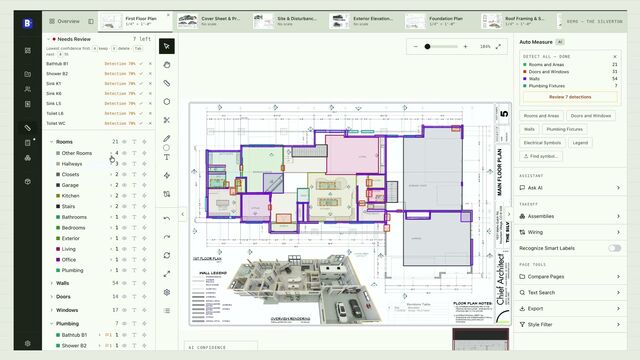
It starts with the PDF the general contractor sends you. Drop it in, or import it from Dropbox, Google Drive, Box or OneDrive. While it uploads, Bildrix reads the title block. The project name, the city and the state fill themselves in, and the pricing region follows the job site. Create the project. Every sheet is converted, named and numbered while you wait, and the devices are detected sheet by sheet.
The project page sums up the job. Seven sheets, each named the way an estimator would: symbols and notes, schedules, the level two power plan, the lighting plan and the demolition plan.
Scales are read from the drawings. The takeoff starts where you start: at the legend. Bildrix reads the engineer's symbol schedule, so a device is called what the drawing calls it. And the lighting fixture schedule gives every fixture its type: A1, A2 and A3 troffers, C1 downlights, and the UC undercabinet strips.
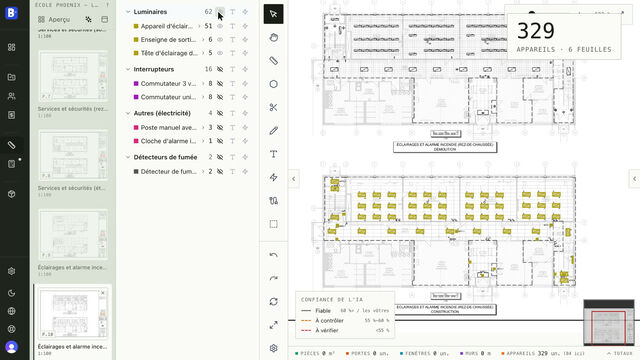
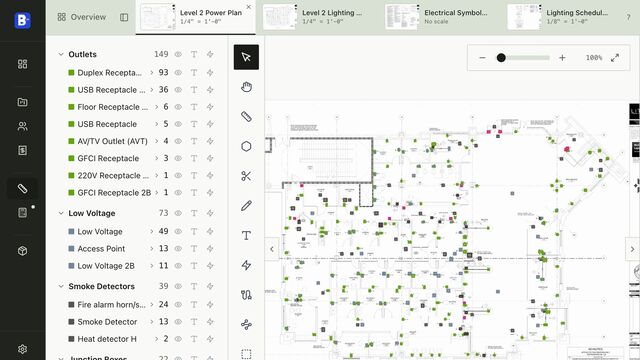
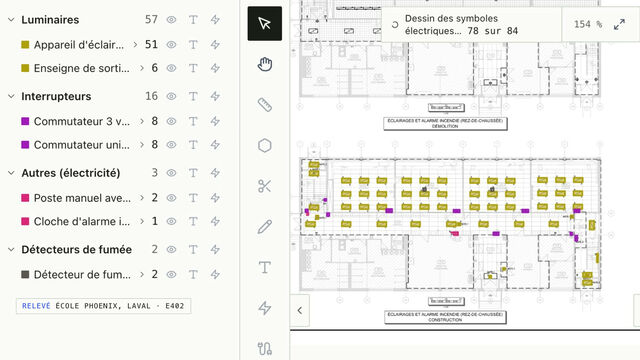
Open a plan and run Electrical Symbols. Bildrix draws each device on the drawing, trade by trade, and the quantities fill in as you watch. On the lighting plan: eighty-one A2 troffers, nineteen A1, fourteen C1 downlights, ten relocated exit signs, thirty-seven occupancy sensors and thirty-four dimmers. Every number can be checked in a second. Click the lightning bolt, and every device of that type flashes on the plan. On the power plan: ninety-three duplex receptacles, forty-one USB receptacles, thirteen wireless access points, twenty-four horn strobes and thirteen smoke detectors. Five hundred and thirty-one devices on two sheets. We checked every type against the drawing's own tags before recording this.
Text search finds any word on the drawing. Search USB, and you get forty-one matches: the same forty-one USB receptacles. Any result can become a count in one click. Renovation sets mix demolition and new work.
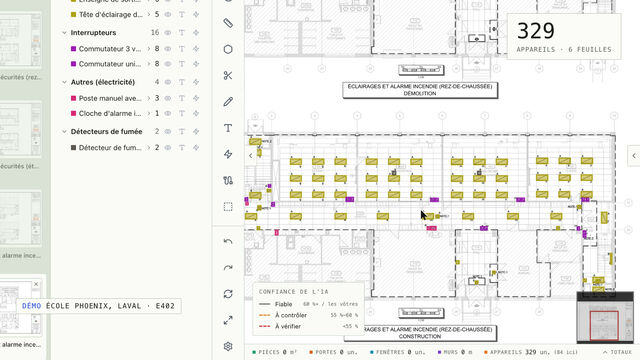
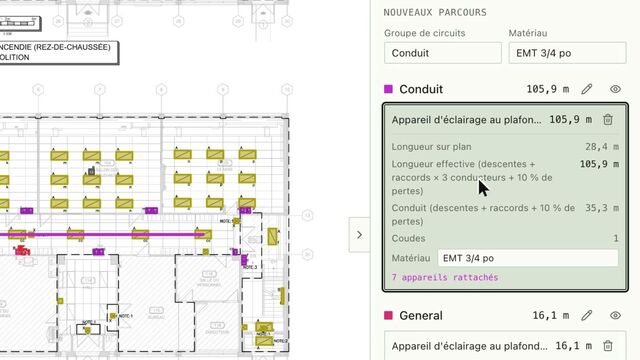
Bildrix recognizes the demolition plan and keeps it out of your new-work quantities. For wire and conduit, press W and click from one device to the next. Name the circuit, set the material, here three-quarter inch EMT. The run is drawn to scale. Bildrix gives the conductor footage, three conductors plus drops and waste, and the conduit length separately: fifty-six feet of EMT.
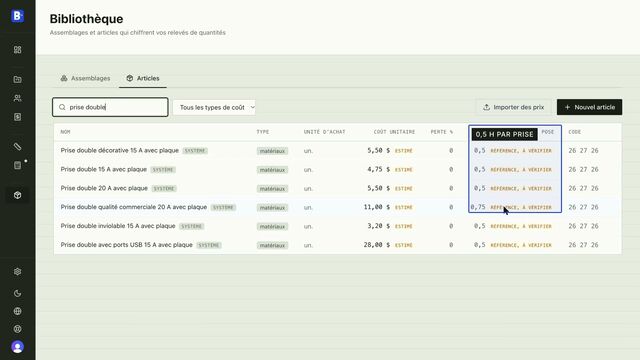
Pricing comes from assemblies. A duplex receptacle is the box, the mud ring, the device, and the electrician's time, from install hours per item. Enter a quantity and the hours follow: ninety-three receptacles is about ninety-eight hours of labor, with the material priced for Charlotte. Applied to the takeoff, twenty-seven assemblies price all five hundred and thirty-one devices.
Open any one to see its material and labor lines. When the takeoff is ready, create the estimate. Pick the electrical scope; it's priced for Charlotte, North Carolina, from the job site. The estimate opens with a section per assembly, material and labor on separate lines.
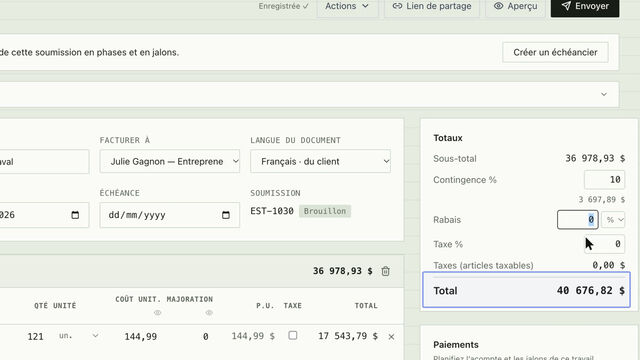
Four hundred and thirty-eight labor hours, fifty-six thousand, three hundred and twenty-seven dollars before markup. Every line says where its price came from, so you know which numbers to verify. Convert it, schedule it, or export it to PDF, Excel or CSV. The client preview shows quantities and prices, and you choose what your client sees. Never your costs or your markup.
Share the link. Your client opens the estimate on any device, asks a question in the conversation, then approves and signs online. The signed revision is locked, and the signed PDF stays on file.
Plans change after signing. Create a change order from the signed estimate, add the lines, here four receptacles and their labor, and the new contract sum calculates itself. Plan the work too. Create the schedule from the estimate:
Bildrix knows the four hundred and thirty-eight hours, and you set the crew. Four electricians, eight hours a day: rough-in, wire pull, devices and fixtures, fire alarm, testing, with the inspections as milestones.
Nineteen working days. Switch to the calendar, set a baseline, and share the schedule with the general contractor, by link or as a PDF. Then comes the money. Convert the estimate into an invoice: full, deposit, progress, final, or retainage release. Here, a twenty percent deposit. When the check arrives, record the payment, and the balance goes to zero.
Progress billing works by section. Enter the percent complete, set five percent retainage, and the deposit already paid is deducted automatically. The invoices page shows what's outstanding, what's overdue, and the age of every balance. And every invoice exports for QuickBooks.
Export the takeoff as a marked-up PDF for the general contractor, or as an Excel workbook with every quantity, sheet by sheet. Numbering, payment terms, retainage, currency and the electrical code are set once, for every job.